Remember when screensavers were fun? Before they were just “your display will turn off in 5 minutes,” there was After Dark. Flying Toasters. Bad Dog knocking things off your desktop. Fish swimming across your CRT monitor while it slowly burned your retinas.
I miss that era.
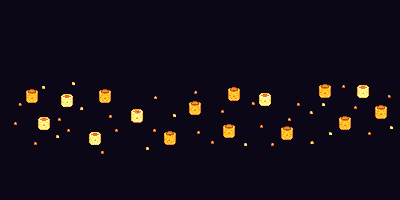
So I made Pixel Parade - a macOS screensaver that sends 484 pixel art sprites floating across your screen in that classic After Dark style. They bob. They rotate gently. They never duplicate (because seeing two identical screaming possums would break the immersion).
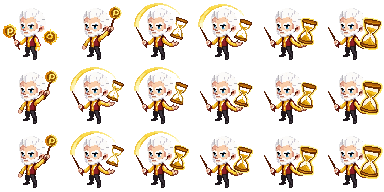
The sprites? They were just laying around. I’d made them for Pixel Pusher 3000, my retro greeting card app, and they were getting restless. They needed to be free. They needed to float aimlessly across monitors at 60 FPS.
Installing It (The Annoying Part)
Apple doesn’t love unsigned software, so you can’t just double-click and go. Here’s the deal:
- Download
PixelParade.saverfrom GitHub - Copy it to your Screen Savers folder:
cp -R PixelParade.saver ~/Library/Screen\ Savers/ - Remove Apple’s quarantine flag (this is the key step):
xattr -dr com.apple.quarantine ~/Library/Screen\ Savers/PixelParade.saver - Open System Settings → Screen Saver → select Pixel Parade
The -r in that command is important - it clears the quarantine from the whole bundle, not just the wrapper.
Customizing It
Click Options in the Screen Saver preferences to tweak:
- How many sprites (10-100)
- How fast they drift
- Background color
- Which categories to show (all 58, or just holidays, or just animals, or just the unhinged ones)
It’s dumb. It’s pointless. It makes me smile every time my Mac goes idle.